
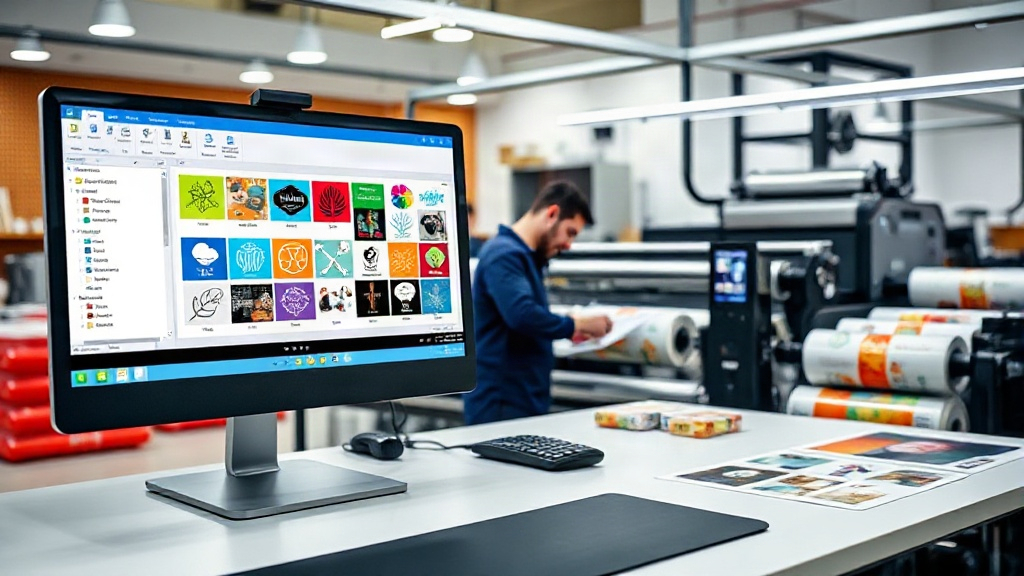
If you're in the custom apparel business, you know that DTF printing has revolutionized the way we transfer designs onto fabrics. But did you know that how you arrange your designs on a film can make or break your efficiency? Enter the DTF gangsheet builder – a tool that's changing the game for print shops of all sizes. In this article, we'll dive deep into what a gangsheet builder is, why it's essential, and how to use it to maximize your profits.
What is a DTF Gangsheet Builder?
A DTF gangsheet builder is software or an online tool that helps you arrange multiple designs onto a single sheet of DTF film. Instead of printing each design individually, you can group them together, saving time, money, and materials. Think of it as a digital puzzle where you fit as many designs as possible onto one sheet without overlapping or wasting space.
Why You Need a DTF Gangsheet Builder
If you're still printing one design at a time, you're leaving money on the table. Here's why a DTF gangsheet builder is a must-have for any serious DTF printer.
Cost Savings
DTF film and ink aren't cheap. By grouping designs, you use less film and ink per print, lowering your cost per transfer. Plus, you can maximize the use of every inch of film, reducing waste.
Time Efficiency
Printing a gangsheet means you only load the printer once for multiple designs. This reduces manual labor and allows you to focus on other tasks while the printer does its job.
Consistency and Quality
When you use a gangsheet builder, you ensure that all designs are printed with the same settings, leading to consistent quality across the board.
How to Use a DTF Gangsheet Builder
Using a DTF gangsheet builder is straightforward, but there are best practices to follow. Here's a step-by-step guide.
Step 1: Choose the Right Software
There are many gangsheet builders available, from standalone software to online tools. Look for one that supports your file formats, allows easy resizing, and offers a preview of the final sheet.
Step 2: Import Your Designs
Load all the designs you want to print. Most builders allow you to drag and drop files or import from a folder. Ensure your designs are high-resolution and have transparent backgrounds.
Step 3: Arrange and Optimize
This is where the magic happens. Use the builder's tools to rotate, resize, and position designs to fill the sheet efficiently. Some builders have auto-arrange features that do this for you.
Step 4: Set Print Settings
Adjust the DPI, color profile, and other settings according to your printer's recommendations. Remember, consistency is key.
Step 5: Print and Cure
Once your gangsheet is ready, print it onto DTF film, apply hot melt powder, and cure. Then, you're ready to press!
Common Mistakes to Avoid
Even with a DTF gangsheet builder, there are pitfalls that can reduce your efficiency. Here are some to watch out for.
- Overcrowding: Leaving no space between designs can cause ink bleeding and make cutting difficult.
- Ignoring grain direction: DTF film has a grain, and printing against it can affect adhesion.
- Not testing: Always do a test print to check colors and alignment before committing to a full sheet.
Advanced Tips for Power Users
Once you've mastered the basics, try these advanced techniques to take your DTF printing to the next level.
Nesting Designs
Nesting is the art of fitting designs into each other's negative space. For example, a large circle design can have smaller designs placed in its corners. This requires manual adjustment but can significantly increase yield.
Using Templates
If you frequently print the same sizes (e.g., 22x12 inches), create templates with pre-placed designs. This saves time on arrangement.
Batch by Color
If you have designs with similar color profiles, group them together to minimize color adjustments between prints.
Frequently Asked Questions
What is a DTF gangsheet builder?
A DTF gangsheet builder is a tool that helps you arrange multiple designs onto a single DTF film sheet for efficient printing.
Can I use any DTF printer with a gangsheet builder?
Yes, as long as your printer supports the film size and your software can export in a compatible format.
How much can I save by using a gangsheet builder?
Savings vary, but many shops report reducing film waste by up to 30% and cutting printing time in half.
Is a gangsheet builder easy to learn?
Most builders have intuitive interfaces. With a bit of practice, you'll be creating optimized sheets in no time.
Do I need special software for gangsheet building?
Not necessarily. Some RIP software includes gangsheet features, or you can use dedicated online tools.
Ready to streamline your DTF printing? Try a DTF gangsheet builder today and see the difference in your bottom line.